Common questions
The useful answers, up front.
Media Stash is intentionally different from an account-based tracker. Here is what that means for your data, devices, and day-to-day use.
Where is my library stored?+
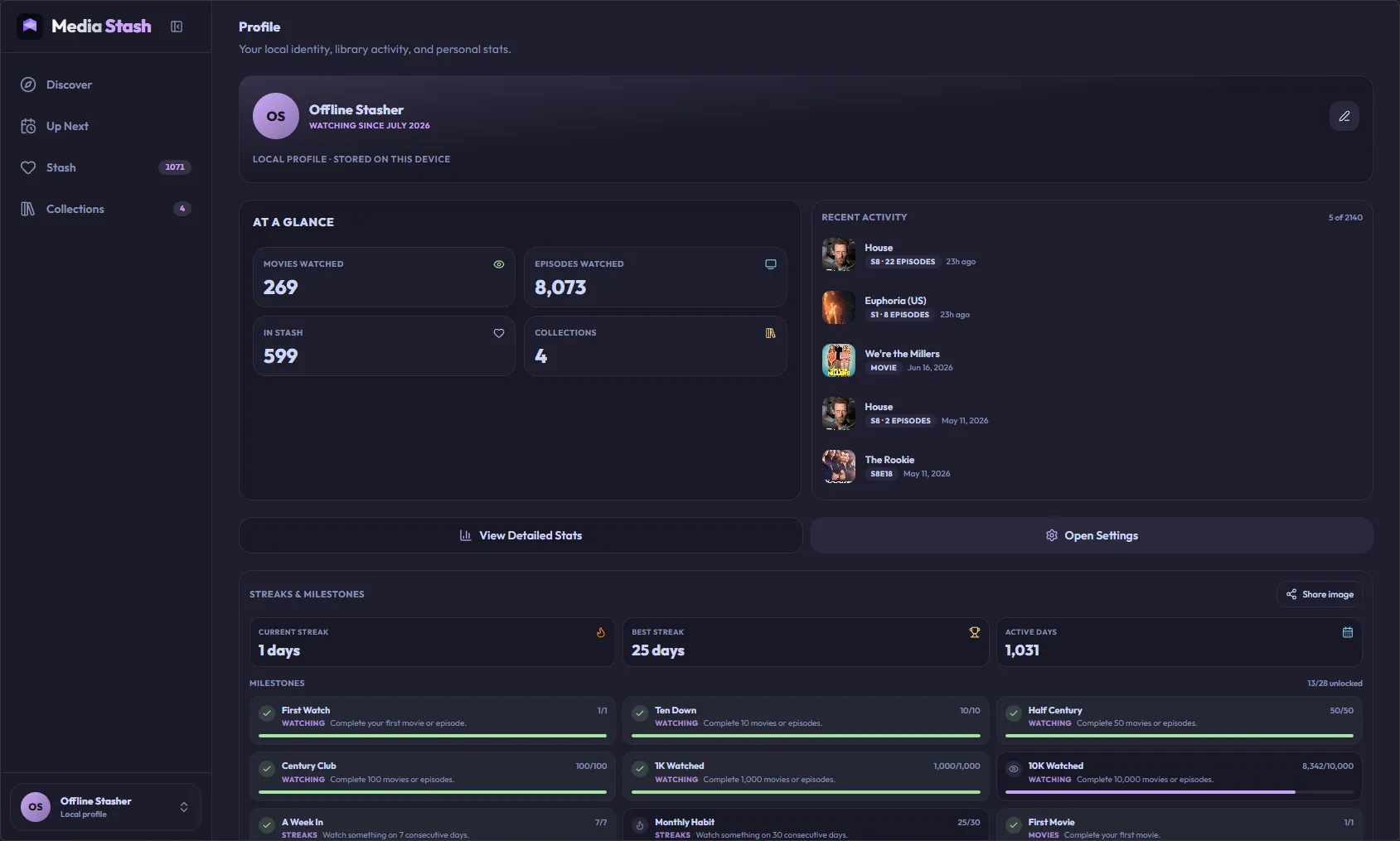
On the web, your library lives in this browser's local IndexedDB storage. Native apps use local SQLite storage. There is no hosted account layer holding your library.
Can I sync between devices?+
Not automatically today. Media Stash does not have hosted multi-device sync yet. To move your library, export a backup on one device, transfer the JSON file, and import it on the other.
How do I move or restore my data?+
Open Settings → Data, choose Export Backup, and keep the resulting JSON file somewhere safe. On the destination device, choose Import Backup and review the preview before confirming.
Are my provider API keys in the backup?+
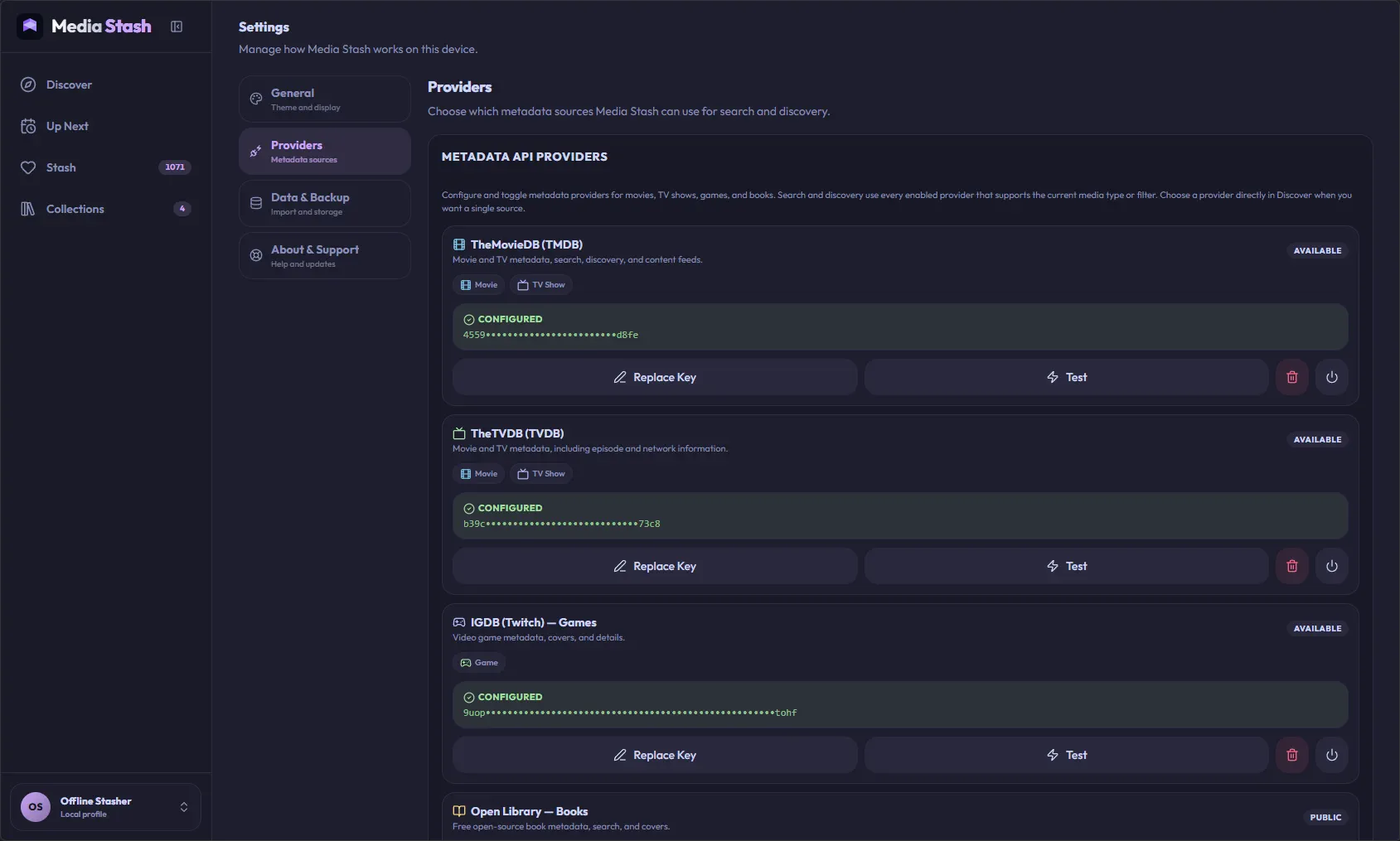
No. A regular library backup never includes provider API keys. To move them between devices, use Export API Keys in the Provider API Keys section; Media Stash creates a separate password-encrypted file that you import separately. The password cannot be recovered.
Does it work offline?+
Your saved library and local settings remain available on the device. Discovery, metadata refreshes, provider searches, and some remote artwork need an internet connection and a configured provider.
What can I track?+
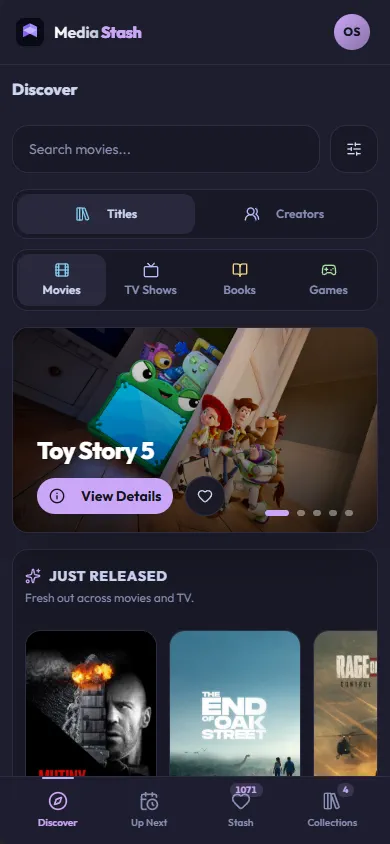
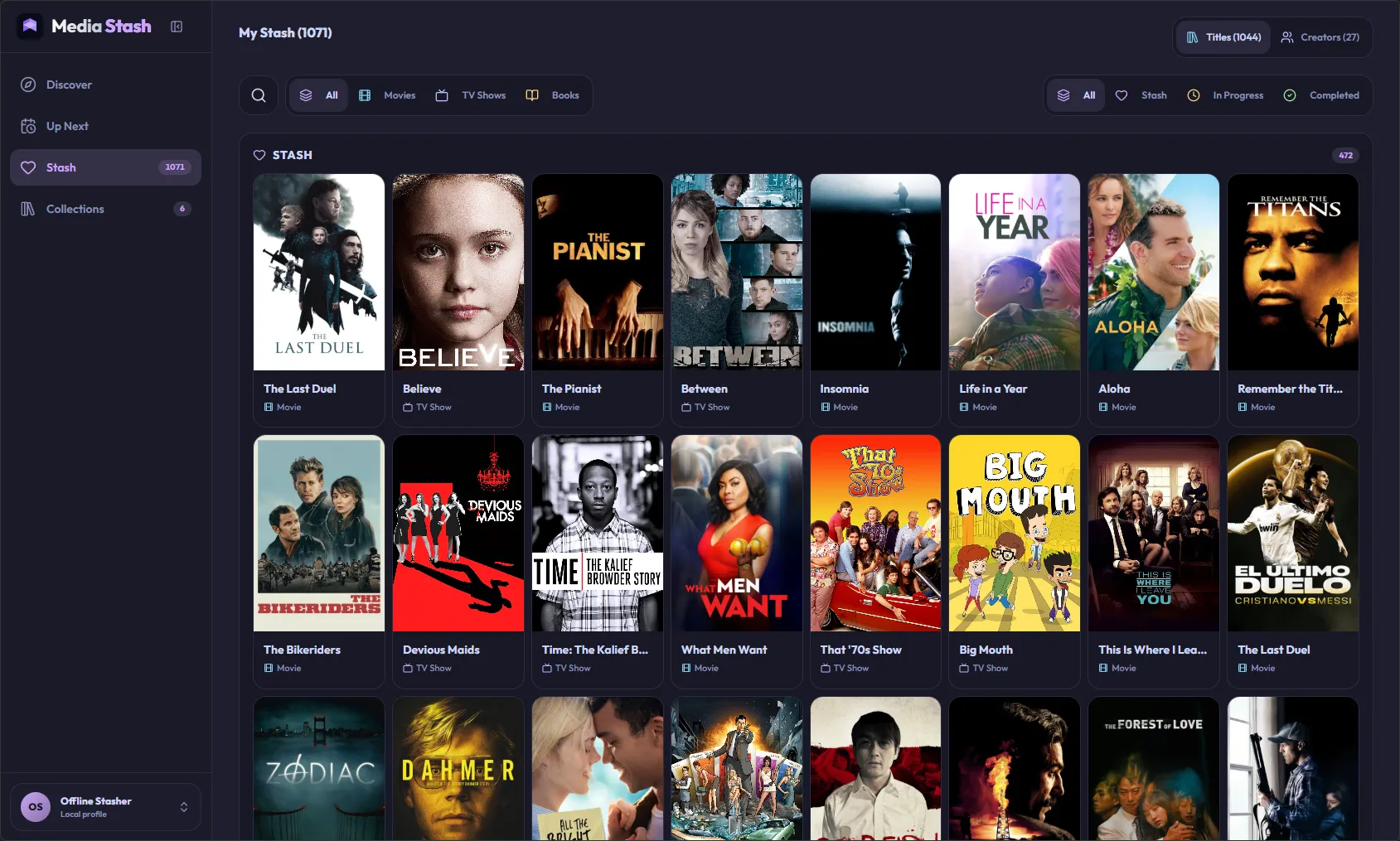
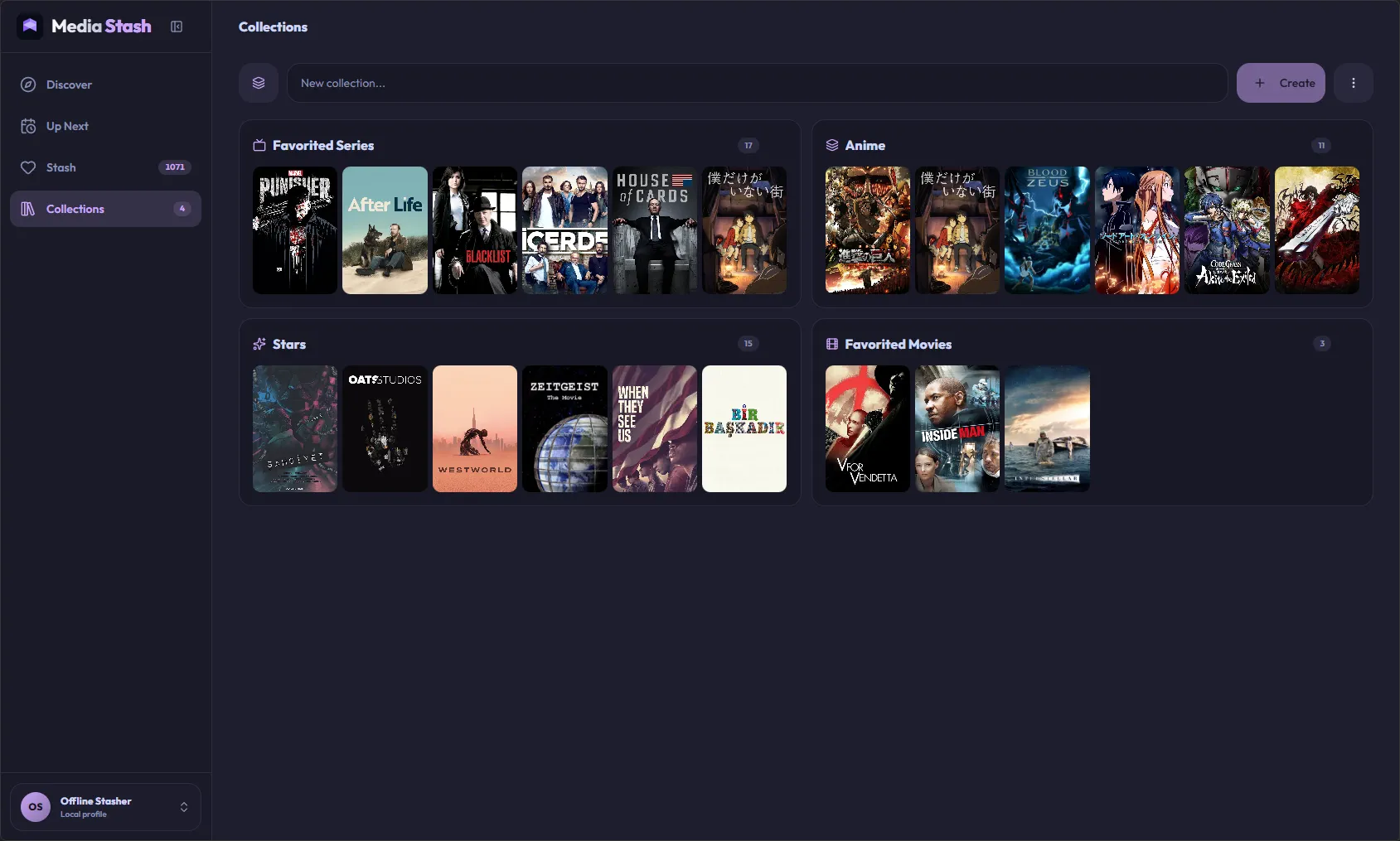
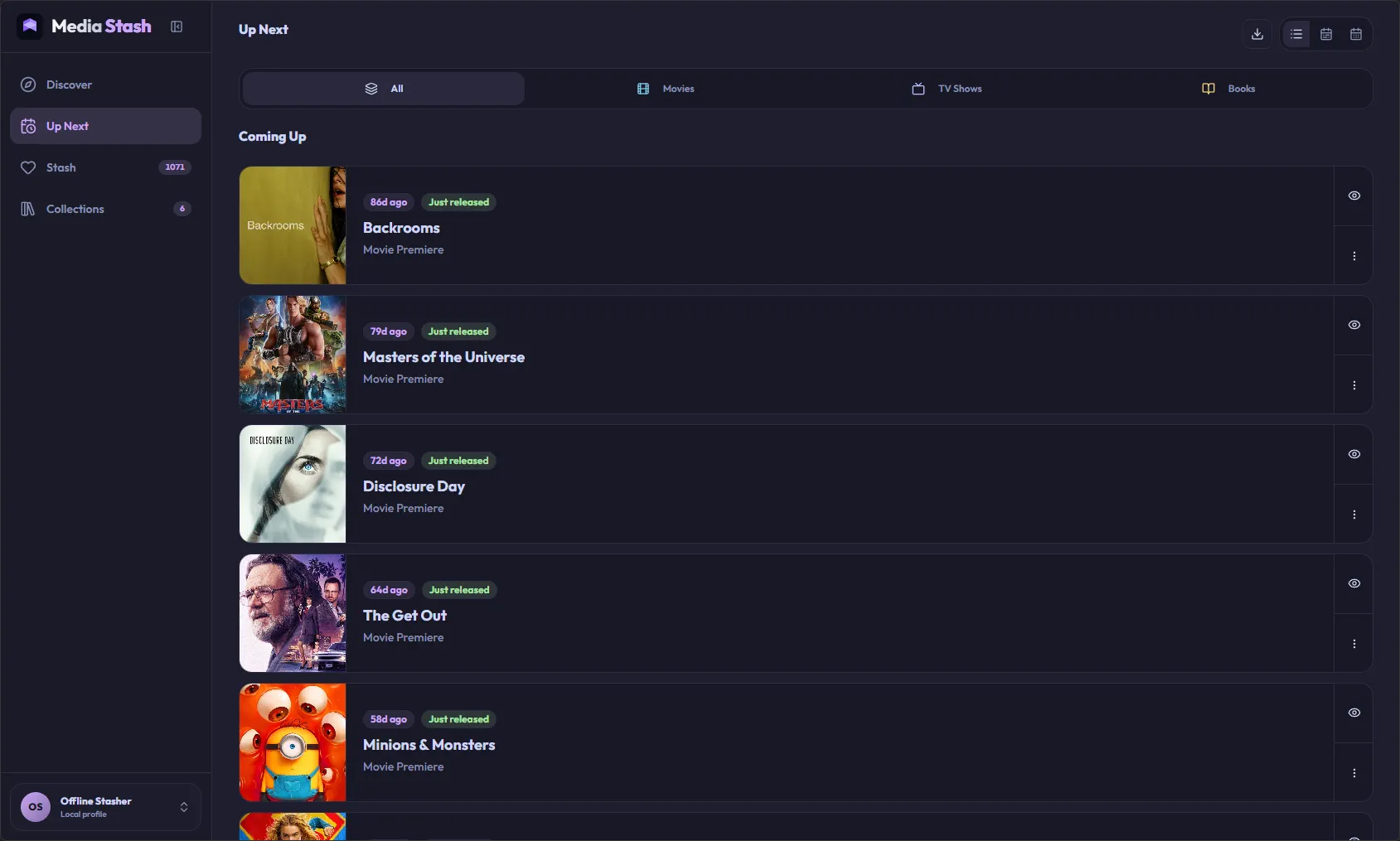
The current workspace supports movies, TV series, books, and games, plus the people, authors, and companies behind them. You can organize saved items with statuses, collections, and progress.
Can another app read my backup?+
Yes. The developer docs publish a versioned JSON Schema and explain the identity rules. Start at the backup schema, then preserve provider, externalId, and mediaType together.
Is Media Stash free?+
The web app is free forever and installable as a PWA. Native platform apps are planned as small one-time purchases when they are ready; multi-device support is a later consideration.